How to Fix Broken Workflows in 30 Days (Step-by-Step Guide)
A Step-by-Step Reset Plan to Simplify Your Processes, Eliminate Friction, and Build Systems That Actually Work
Introduction: The Real Reason Work Feels So Hard
You’ve been told the solution is to work harder. Be more disciplined. Stay organized. Push through.
But what if the problem isn’t you? What if the constant friction you feel—the delays, the confusion, the repeated mistakes—is actually the result of a broken system?
Think about your typical workday.
Do you start with clarity and direction…
Or do you spend your first hour digging through emails, searching for files, and reacting to whatever feels most urgent?
If your work feels harder than it should, your workflows are likely broken. And broken workflows don’t just slow you down—they create:
- Decision fatigue
- Missed deadlines
- Constant rework
- Mental overload
- Burnout
The good news?
Workflows are not permanent. They can be fixed.
This guide will walk you through a 30-day reset plan to help you move from chaos to clarity—by simplifying your processes, eliminating friction, and building systems that actually support your work.
What a Broken Workflow Actually Looks Like
Before you fix anything, you need to recognize the signs. Broken workflows often show up as:
- Repeating the same tasks manually
- Constant back-and-forth communication
- Searching for files or information
- Using too many tools to complete one task
- Tasks falling through the cracks
- Work depending on memory instead of systems
- No clear “next step”
At the core, all of this creates one thing:
👉 Friction
And friction is what drains your time, energy, and focus.
The 30-Day Workflow Reset Plan
This is not about overhauling everything overnight. Instead, you’ll move through four structured phases:
| Phase | Focus | Outcome |
|---|---|---|
| Days 1–7 | Audit & Awareness | Identify friction and inefficiencies |
| Days 8–14 | Simplification | Eliminate unnecessary work |
| Days 15–21 | System Building | Create structured workflows |
| Days 22–30 | Optimization | Refine and sustain your systems |
Phase 1: Audit & Awareness (Days 1–7)
Understand what’s actually happening
You cannot fix what you don’t fully understand.
Day 1: The Brain Dump
Write down everything on your plate:
- Tasks
- Projects
- Responsibilities
- Recurring work
If it takes up mental space, it goes on the list.
Day 2: Map Your Current Workflows
Choose 1–3 key workflows and map them step-by-step. Be honest. Include:
- Delays
- Workarounds
- Confusion points
This is your real workflow, not your ideal one.
Day 3: Identify Friction Points
Look for:
- Bottlenecks (waiting on people)
- Redundancy (duplicate work)
- Search loss (looking for files)
- Context switching (too many tools)
Ask:
👉 Where does this process slow down or break?
Day 4: Time Audit
Track your time for one day. You’ll likely find:
- Small tasks consume more time than expected
- Interruptions add up quickly
- “Quick tasks” aren’t actually quick
Day 5: The Essentialism Filter
Ask:
👉 If I could only focus on 3 things this month, what would matter most?
Everything else becomes:
- Eliminate
- Automate
- Delegate
Day 6: Tool Audit
List every tool you use. Then ask:
- Do I need all of these?
- Are they creating extra steps?
Too many tools = too much friction.
Day 7: Define Your North Star
What does success look like in 30 days?
Examples:
- Leaving work on time
- Reducing stress
- Getting more done in less time
This becomes your guiding metric.
Phase 2: Simplify & Eliminate (Days 8–14)
Remove what doesn’t belong
Day 8: Eliminate Non-Essential Work
Before improving a process, ask:
👉 Does this even need to exist?
Cut at least 3 unnecessary tasks.
Day 9: Batch Similar Work
Group similar tasks together:
- Emails
- Admin work
- Creative tasks
This reduces attention switching and improves focus.
Day 10: Create Simple SOPs
Turn recurring tasks into checklists:
- Step 1
- Step 2
- Step 3
This eliminates guesswork and inconsistency.
Day 11: Clean Your Digital Workspace
- Organize folders
- Standardize file names
- Remove clutter
Cluttered systems create mental noise.
Day 12: Set Communication Rules
Define:
- When to use email vs chat
- When meetings are necessary
- When you are unavailable
Clear boundaries reduce interruptions.
Day 13: Delegate or Offload
Identify tasks that:
- Don’t require your expertise
- Drain your time
Even if you don’t delegate yet, identify them.
Day 14: Review Your Progress
You should already feel:
- Less overwhelmed
- More control over your time
- Clearer about priorities
Phase 3: Build Better Systems (Days 15–21)
Create workflows that actually work
Day 15: Choose a Primary System
Pick one main tool for managing work. Keep it simple. The best system is the one you actually use.
Day 16: Build Templates
Create reusable templates for:
- Emails
- Documents
- Projects
- Tasks
Never start from scratch if you don’t have to.
Day 17: Design Your Daily Workflow
Align work with your energy:
- Deep work when focused
- Admin when low energy
Structure your day intentionally.
Day 18: Automate Repetitive Tasks
Look for:
- Notifications
- File organization
- Data entry
Automation should save time—not create complexity.
Day 19: Set Boundaries
Examples:
- No meetings on certain days
- Limited email checks
- Focus blocks
Systems fail without boundaries.
Day 20: Define Next Steps Clearly
Replace vague tasks like:
❌ “Work on project”
✅ “Draft outline for proposal”
Clarity eliminates procrastination.
Day 21: Test Your System
Run your workflow in real conditions.
Identify:
- Confusion
- Delays
- Missing steps
Phase 4: Optimize & Sustain (Days 22–30)
Make your system last
Days 22–24: Live Testing
Use your new workflow daily.
Notice where:
- You revert to old habits
- Things feel clunky
Days 25–26: Refine
Adjust what isn’t working. Simplify further if needed.
Day 27: Document Your System
Write your finalized workflow. This becomes your reference point.
Day 28: Create a Maintenance System
Schedule:
- Weekly review (15 min)
- Monthly review (1 hour)
Systems require upkeep.
Day 29: Measure Progress
Compare:
- Time spent
- Stress levels
- Output
You should see clear improvements.
Day 30: Plan Forward
What can you now do with:
- More time
- More clarity
- Less stress
This is where real growth begins.
Why Workflows Fail (And How to Prevent It)
1. “Just This Once” Thinking
Small exceptions become permanent problems.
👉 Fix: Update the system instead of bypassing it.
2. Overcomplication
Complex systems don’t get used.
👉 Fix: Keep everything simple and intuitive.
3. Ignoring Human Behavior
You won’t always be motivated.
👉 Fix: Build systems that work even on low-energy days.
From Chaos to Clarity
Fixing workflows isn’t about perfection. It’s about:
- Removing friction
- Creating clarity
- Building repeatable systems
When your workflows work:
- Tasks take less time
- Communication improves
- Stress decreases
- You regain control of your work
🚀 Ready to Take This Further?
If you want to implement this faster and with less guesswork:
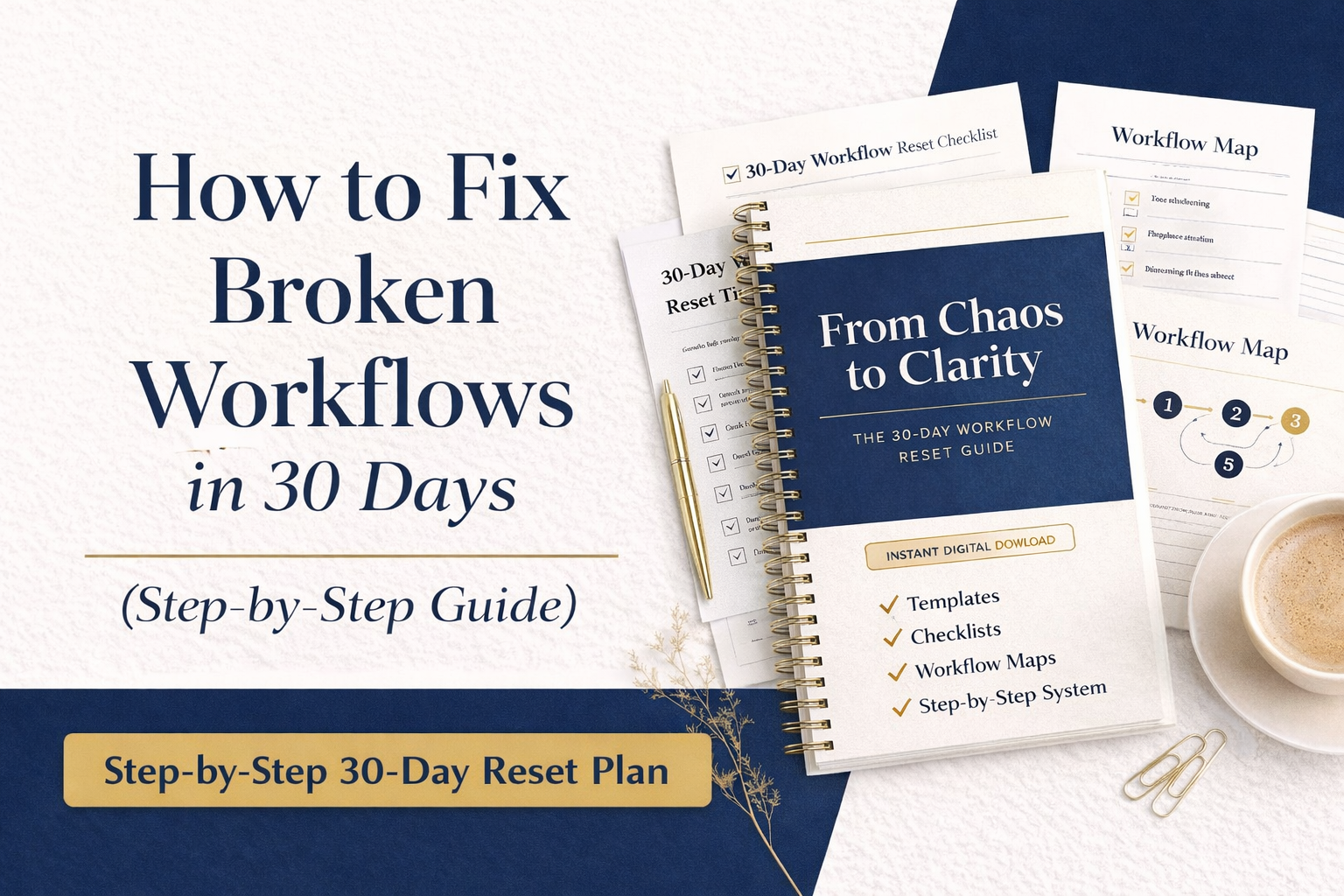
👉 Download the “From Chaos to Clarity” Workflow Reset Guide
(A complete, ready-to-use system with templates, checklists, and structured workflows)
👉 Explore the Workplace Documentation Toolkit
(Professional templates to organize processes, communication, and systems)